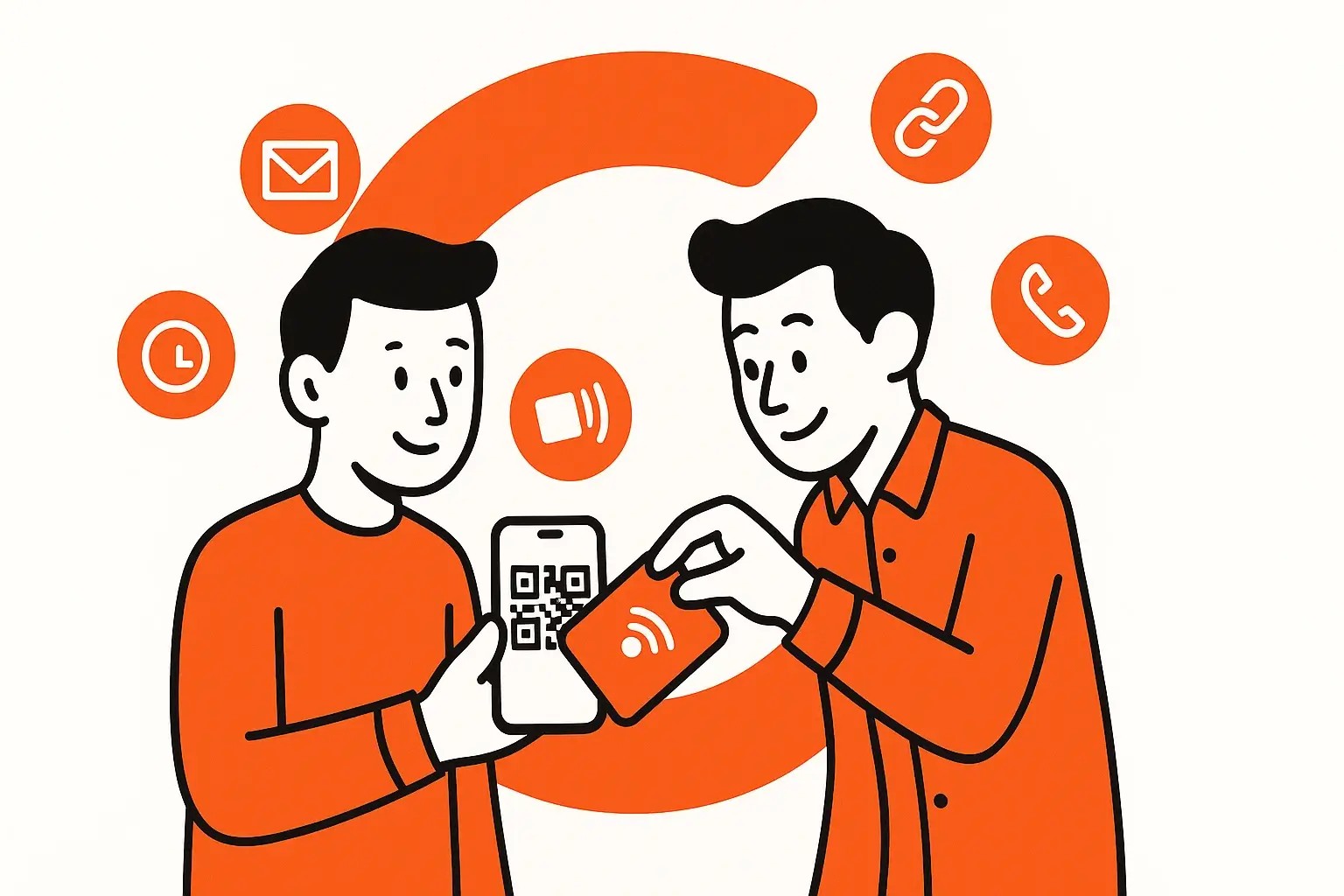
Digital business cards have become one of the fastest-growing tools for modern networking. As 2026 unfolds, professionals, entrepreneurs, and brands are shifting away from traditional paper cards and toward smarter, more sustainable, more dynamic ways to share their information.
This guide is the most comprehensive 2026 resource on digital business cards, covering what they are, how they work, why they matter, how to create one, cost breakdowns, best tools, NFC and QR sharing, design examples, common mistakes, future trends, and FAQs.
Whether you’re new to digital business cards or looking to upgrade your networking strategy for 2026, this guide will give you everything you need.
What Is a Digital Business Card?
A digital business card (also called a virtual business card, smart business card, QR business card, or electronic business card) is a mobile-friendly, online profile that contains your contact information, links, social media, portfolio, and more. Instead of handing someone a paper card, you share your information instantly using:
-
A QR code
-
NFC tap
-
A link in your messages, email signature, or social profiles
-
Apple Wallet or Google Wallet
-
A scannable badge or digital profile
A digital business card updates in real time, meaning once you share it, the person always has your most current information.
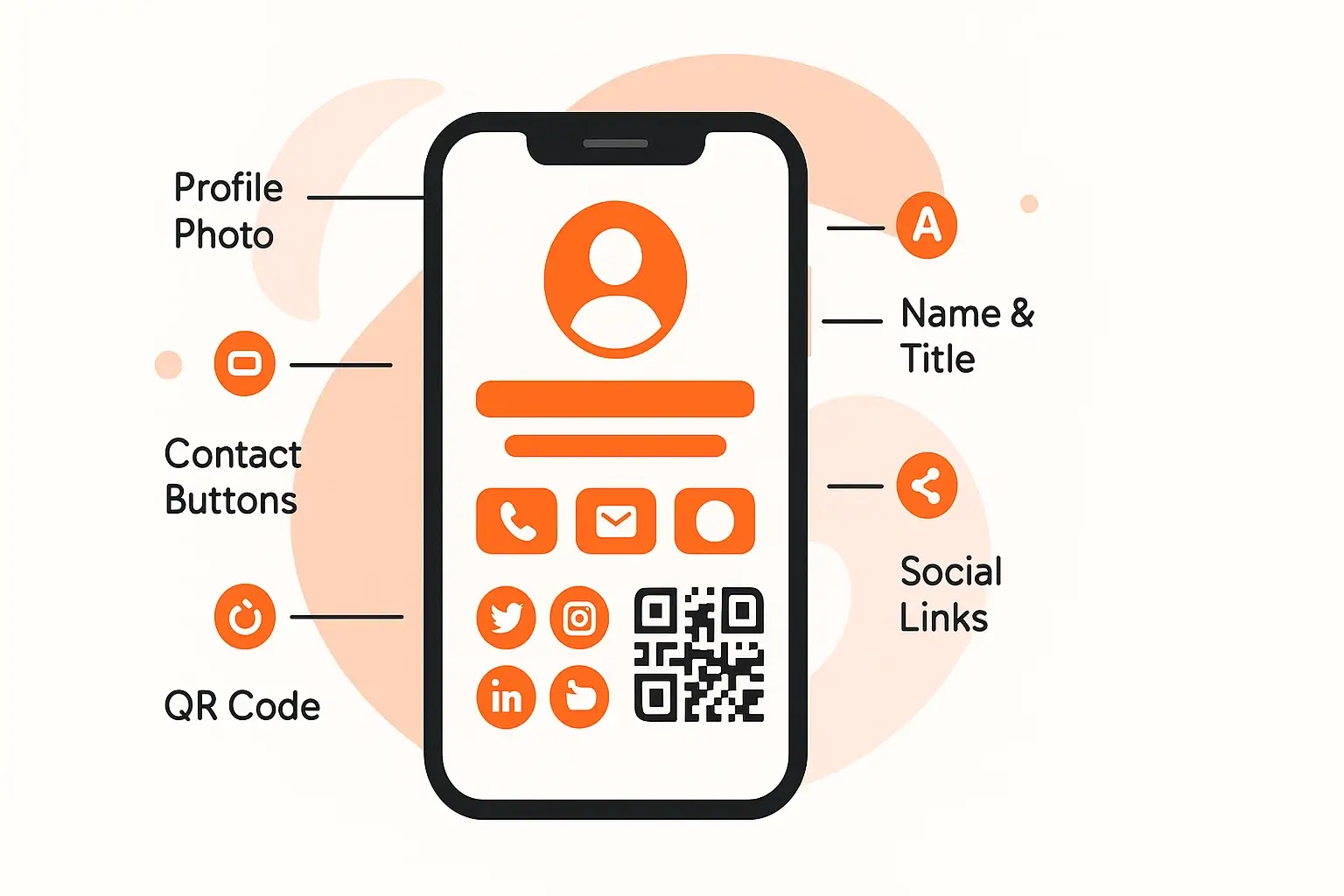
Key elements of a digital business card in 2026 include:
-
Name, title, and company
-
Phone, email, and website
-
Social links (LinkedIn, Instagram, TikTok, etc.)
-
Portfolio or featured work
-
Lead forms
-
Profile photo
-
A custom QR code
-
Analytics for views, taps, and conversions
Digital business cards have become a core networking tool because they combine convenience, professional branding, and measurable engagement, something paper cards have never been able to do.
Why Digital Business Cards Are Exploding in 2026
Digital business cards aren’t new, but their adoption has accelerated dramatically due to trends in 2024–2026:
1. Networking Is Now Mobile-First
Most introductions, job opportunities, and partnerships begin online or through social platforms. Digital business cards bridge in-person and online networking seamlessly.
2. Paper Cards Are Inefficient
Studies show ~90% of paper business cards are thrown away within one week. They’re forgotten, lost, or outdated the moment anything changes.
3. Sustainability Matters
Brands and professionals are under pressure to reduce waste. Digital cards eliminate printing entirely.
4. NFC & QR Adoption Went Mainstream
Thanks to mobile payments, QR menus, and tap-to-share tech, people expect fast touchless interactions.
5. Real-Time Updates Solve a Huge Pain Point
Changed your number? New job? Updated website? Digital cards keep your network updated automatically. No reprinting.
6. Analytics Make Networking Smarter
Still on the fence? We break down the real pros, cons, and real-world use cases in Are Digital Business Cards Worth It? Pros, Cons, and Real Use Cases.
In 2026, high-performing digital card platforms provide:
-
Views
-
Clicks
-
Referral sources
-
Conversion tracking
Paper cannot compete with that.
Studies show nearly 90% of paper business cards are thrown away within one week — a problem we break down in detail in our digital vs paper business card comparison.
Digital Business Cards vs. Paper Business Cards (2026 Comparison)
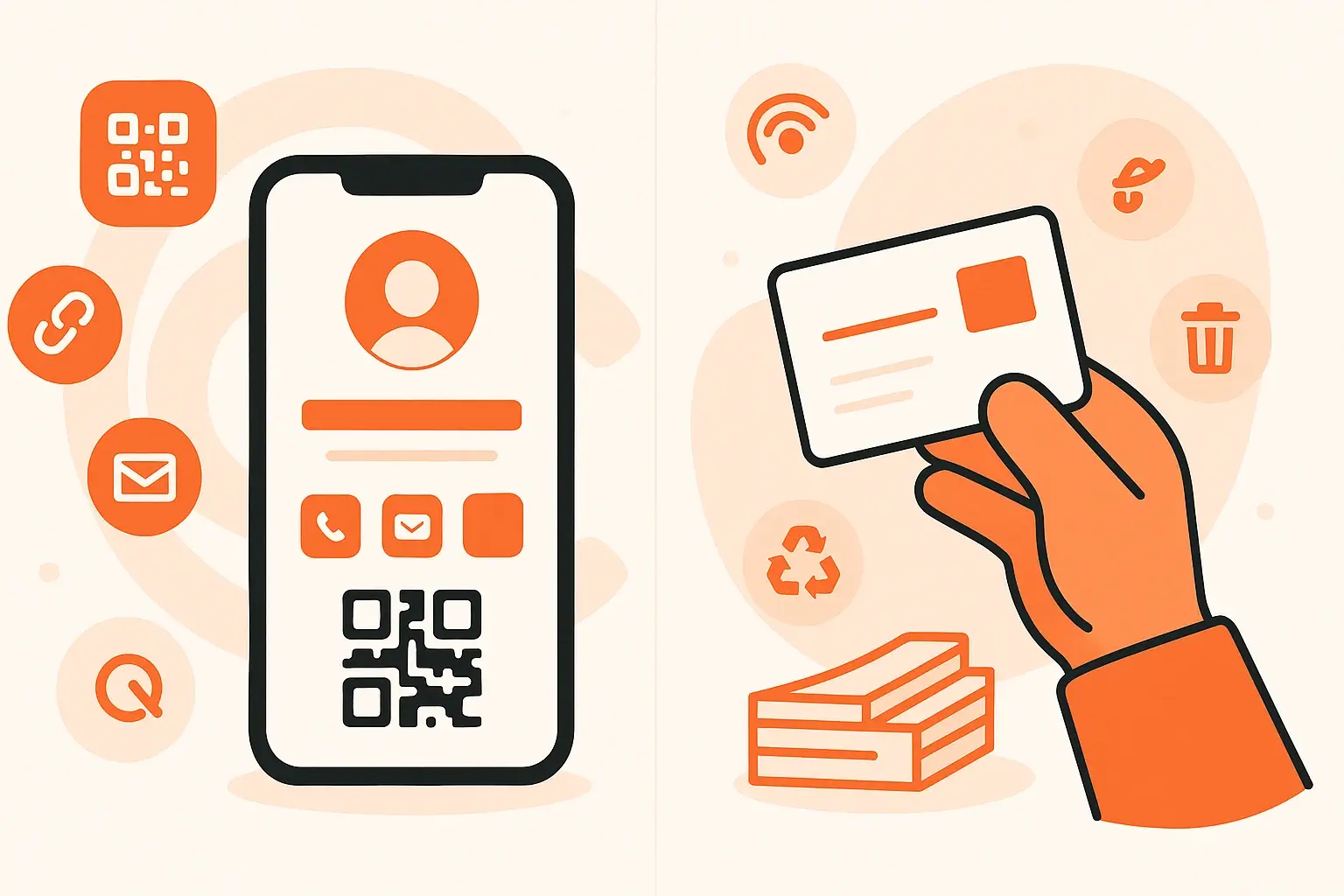
Digital Business Cards
✔ Free or low monthly cost
✔ Instant updates
✔ Share via tap, QR, link, SMS, Wallet
✔ Full analytics
✔ Eco-friendly
✔ Unlimited customization
✔ Clickable actions (call, email, website)
✔ Stored on your phone
Paper Business Cards
✘ $30–$200+ per print run
✘ Must reprint for any change
✘ Must hand out physically
✘ No analytics
✘ Creates waste
✘ Limited to printed design
✘ No interactive elements
✘ Easy to lose
Verdict: Digital business cards are the clear winner for 2026 in cost, convenience, sustainability, and effectiveness.
If you want a balanced look at where digital cards shine—and where they still fall short, read Are Digital Business Cards Worth It? Pros, Cons, and Real Use Cases.
Want a deeper breakdown of cost, convenience, sustainability, and real-world use cases? Read our full comparison: Digital Business Card vs Paper: Which Is Better in 2026?
Benefits of Digital Business Cards

1. They’re Always With You
As long as you have your phone, you have your business card.
2. They Make Networking Instant
Whether someone scans a QR code or taps via NFC, your information appears instantly. No typing required.
3. They Convert More Leads
One tap → direct to your website → direct to your calendar → direct to contact.
4. They’re More Professional in 2026
Clients expect a modern approach. Digital business cards elevate your personal brand.
5. They’re Eco-Friendly
Tens of billions of business cards are printed annually. Digital cards eliminate this waste entirely.
6. They Work Anywhere
-
Conferences
-
Trade shows
-
Events
-
Coffee shops
-
Social media
-
Email signatures
-
Product packaging
-
QR on signage
7. They Allow Multiple Cards
You can create cards for:
-
Work
-
Freelance
-
Events
-
Side businesses
-
Personal brand
8. They Let You Track Engagement
So you can follow up at the perfect time.
How Digital Business Cards Work
Digital business cards in 2026 typically include:
-
A personal URL
-
A QR code
-
An NFC tag/card
-
A scannable Apple/Google Wallet pass
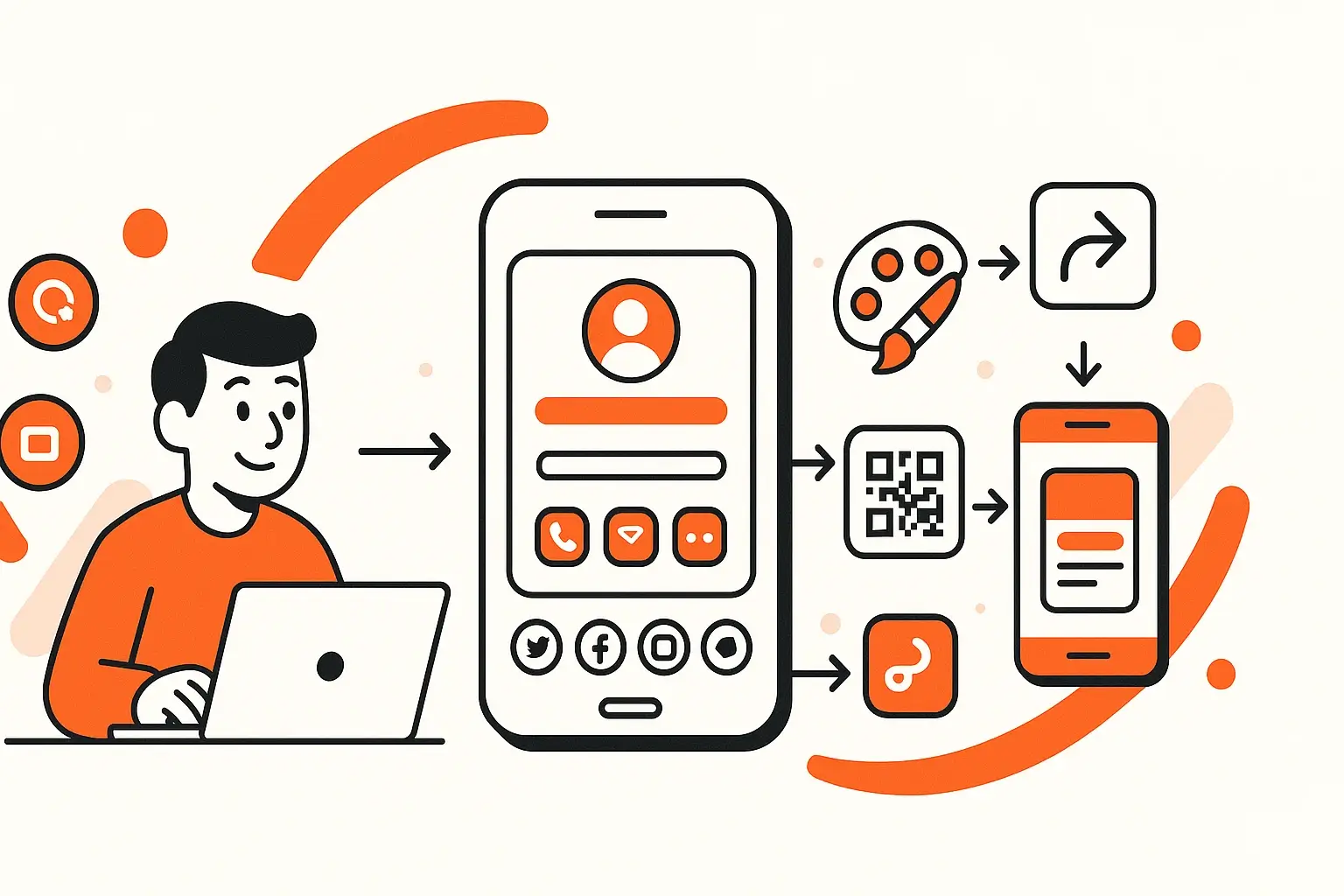
Sharing methods:
QR Code
Perfect for events, presentations, posters, or quick in-person scans.
NFC Tap
Tap a physical NFC card or wristband to someone’s phone to instantly open your digital card.
Share Link
Send your card via text, email, Instagram DM, or anywhere else.
Wallet Pass
Add your digital business card to Apple Wallet or Google Wallet for instant access.
Want step-by-step instructions?
👉 How to Add a Digital Business Card to Apple Wallet & Google Wallet
How to Create a Digital Business Card in 2026 (Step-by-Step Guide)
The easiest way to create a digital business card is using a platform built specifically for it.
Here’s the step-by-step process:
Step 1 - Choose a Digital Business Card Platform
Top features to look for:
-
Custom QR
-
Unlimited updates
-
Apple Wallet support
-
Analytics
-
Themes and branding options
-
Easy share link
-
NFC compatibility
-
Free plan availability
(Example platform: Cardikit offers unlimited cards on the Pro plan, free tier available, premium themes, analytics, custom QR.)
Step 2 - Add Your Basic Information
Include:
-
Full name
-
Title
-
Company
-
Phone
-
Email
-
Website
Step 3 - Add Social Profiles
LinkedIn is essential for networking, but depending on your industry, also add:
-
Instagram
-
TikTok
-
YouTube
-
Portfolio links
Step 4 - Add a Profile Photo
The best practice in 2026 is using a clean, friendly, professional image.
Step 5 - Customize Your Design
Choose colors, fonts, themes, and layouts that match your brand.
Step 6 - Generate Your QR Code
Many platforms auto-generate this. Your QR should be:
-
High contrast
-
Easily scannable
-
Printable or displayable anywhere
Step 7 - Add Your Card to Apple/Google Wallet
This ensures instant access during real-life moments.
Learn exactly how to do this here:
How to Add a Digital Business Card to Apple Wallet & Google Wallet
Step 8 - Test Sharing
Scan the QR, tap NFC, and verify all links work.
How Much Do Digital Business Cards Cost in 2026?
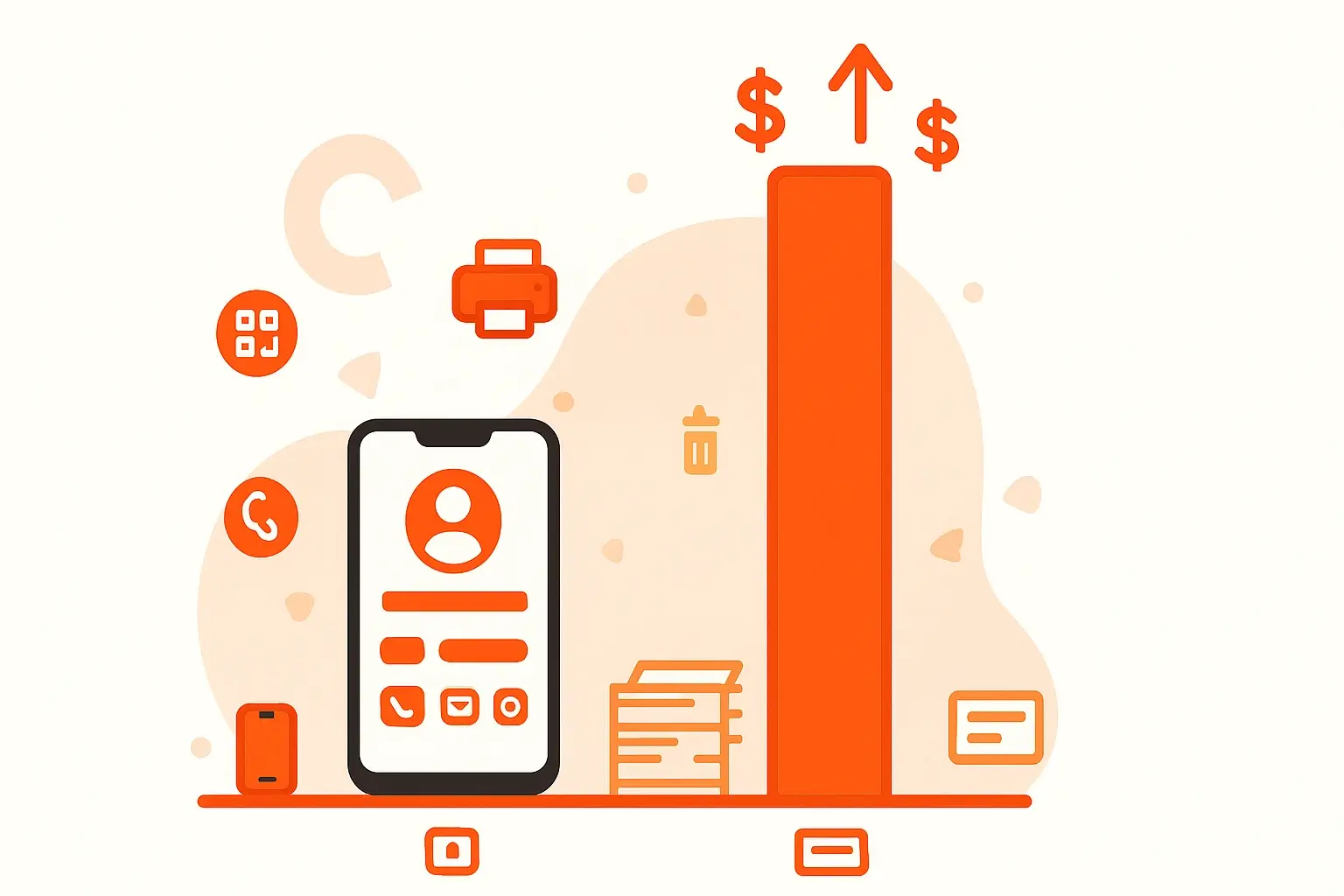
Digital business card pricing varies widely.
Free Plans (Most Common)
Usually include:
-
Basic themes
-
A limited number of cards (often 1–3)
-
Standard QR code
-
Basic sharing
Pro Plans ($4–$10/mo)
Typically include:
-
Unlimited cards
-
Premium themes
-
Custom QR
-
Analytics
-
Lead capture
-
NFC syncing
-
Wallet passes
Enterprise & Teams
Pricing is usually custom and may include:
-
Team dashboards
-
Integrations
-
SSO
-
Advanced analytics
-
Custom design packages
Cardikit, for example, offers:
-
Free Tier: 3 cards, free themes
-
Pro Tier: Unlimited cards, premium themes, custom QR, analytics
-
Enterprise: Custom themes + integrations
What to Include on Your Digital Business Card
Essentials
-
Name
-
Job title
-
Company
-
Email
-
Phone
-
Website
-
Location (optional)
Branding Elements
-
Headshot
-
Brand colors
-
Logo
-
Tagline
High-Impact Additions
-
Portfolio
-
Calendly link
-
Social proof
-
Reviews or testimonials
-
Lead capture form
Interactive Items
-
Buttons (Call, Email, Book Meeting)
-
Embedded media (if supported)
Common Mistakes to Avoid
Even in 2026, many professionals make errors with their digital business cards:
1. Too much text
Digital cards should be skim-friendly.
2. Using unprofessional photos
A casual selfie drops trust.
3. Broken links
Test everything.
4. No CTA
Your card should guide people to “Call,” “Connect,” or “Book a Meeting.”
5. Not using analytics
If your platform provides data, take advantage of it.
How to Share Your Digital Business Card (2026 Methods)
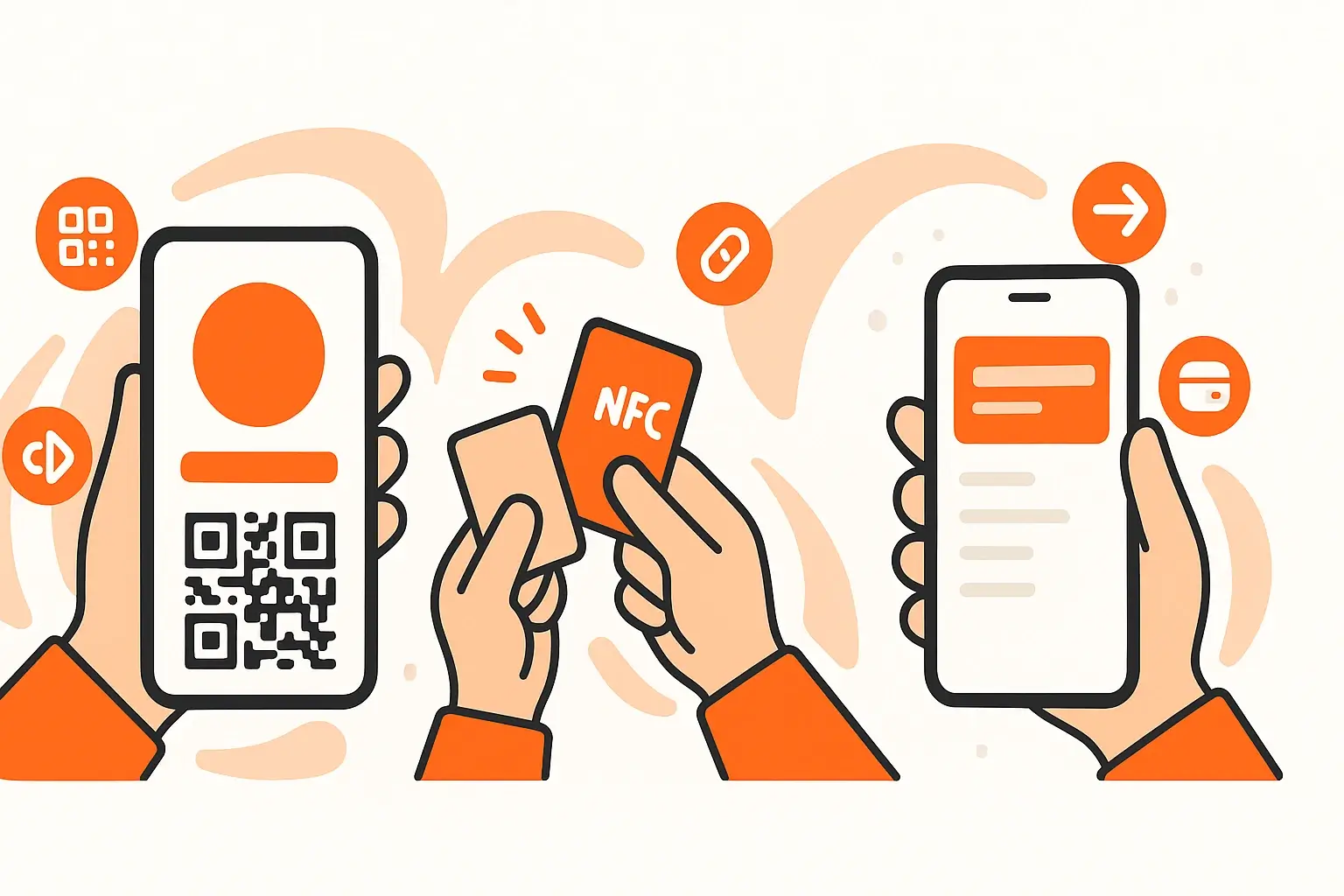
1. QR Code
-
Printed on marketing materials
-
Displayed on your phone
-
Added to presentations
-
Added to Zoom backgrounds
2. NFC Cards
Tap your physical NFC card or device.
3. Link Sharing
Paste in:
-
Emails
-
DMs
-
Social bios
-
SMS
4. Apple/Google Wallet
The strongest method for in-person networking.
For a full walkthrough with screenshots, read How to Add a Digital Business Card to Apple Wallet & Google Wallet
Best Digital Business Card Platforms in 2026
A few top-performing platforms for various needs:
-
Cardikit - Free tier, unlimited cards on Pro, best developer-friendly open-source option
-
HiHello - Polished UI, great for teams
-
Blinq - Strong app experience
-
One Good Card - Good templates
-
Popl - Known for NFC products
Here is a more in-depth review of the best digital business card platforms in 2026.
Future Trends: Digital Business Cards in 2026 and Beyond
1. Deeper AI Integration
Auto-generated designs, smarter contact syncing, and AI-powered profile suggestions.
2. CRM Integrations
Instant syncing into HubSpot, Salesforce, and custom workflows.
3. Wallet-first Networking
More professionals will rely on digital cards stored in Wallet as their primary method of introduction.
4. Enhanced Analytics
Heatmaps, engagement funnels, conversion insights.
5. AR/VR Networking
Events and conferences will increasingly rely on virtual identifiers and scannable avatars.
FAQ: Digital Business Cards in 2026
Are digital business cards worth it?
Absolutely! They’re cheaper, more effective, and more professional than paper cards.
Can I add a digital business card to Apple Wallet?
Yes. Most leading platforms support Wallet passes.
Do digital business cards work on any phone?
Yes. QR codes work on all smartphones; NFC supports most modern devices.
Are digital business cards secure?
Top platforms use HTTPS, encrypted storage, and optional privacy settings.
Can I create multiple digital business cards?
Yes! Many users create separate cards for work, personal brand, and side projects.
Final Thoughts: Digital Business Cards Are the Future
As networking evolves, digital business cards have become the most efficient, sustainable, and high-impact way to connect. In 2026, they offer more power and flexibility than ever, empowering professionals to share information instantly, track engagement, and elevate their brand.
If you’re ready to create your own digital business card today, you can get started for free! It only takes a couple of minutes.

➡️ Try Cardikit Free! Create Your First Digital Business Card in Minutes