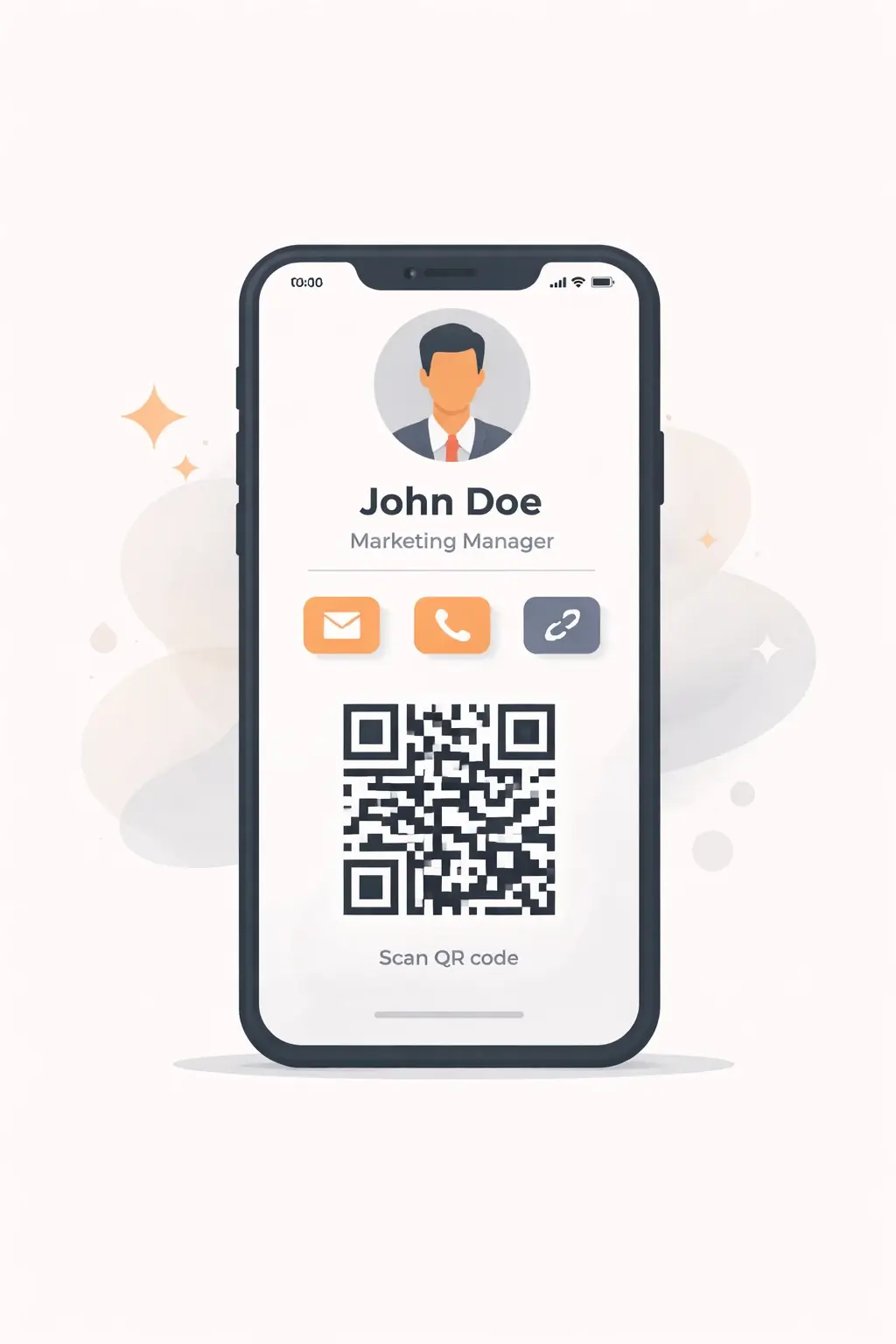
In 2026, paper business cards are basically “nice to have,” not “must have.” They get lost, tossed, and go out of date the second your phone number changes.
A digital business card fixes all of that. You share it with a link or QR code, people can save your info instantly, and you can update your details anytime, without reprinting anything.
And the best part: you can make a digital business card for free in minutes.
This guide walks you through it step-by-step using Cardikit as the main example (because it’s free, fast, and built for modern sharing), while also mentioning a few other free options so you can pick what fits.
New to digital business cards? Start with our full guide: Digital Business Cards in 2026: The Ultimate Guide.
What is a digital business card?
A digital business card (also called a virtual business card or electronic business card) is a mobile-friendly page that contains your contact info, links, and “next actions” like:
-
Call / text / email buttons
-
Website + portfolio links
-
LinkedIn / Instagram / YouTube / etc.
-
Booking link (Calendly-style)
-
A QR code to share instantly
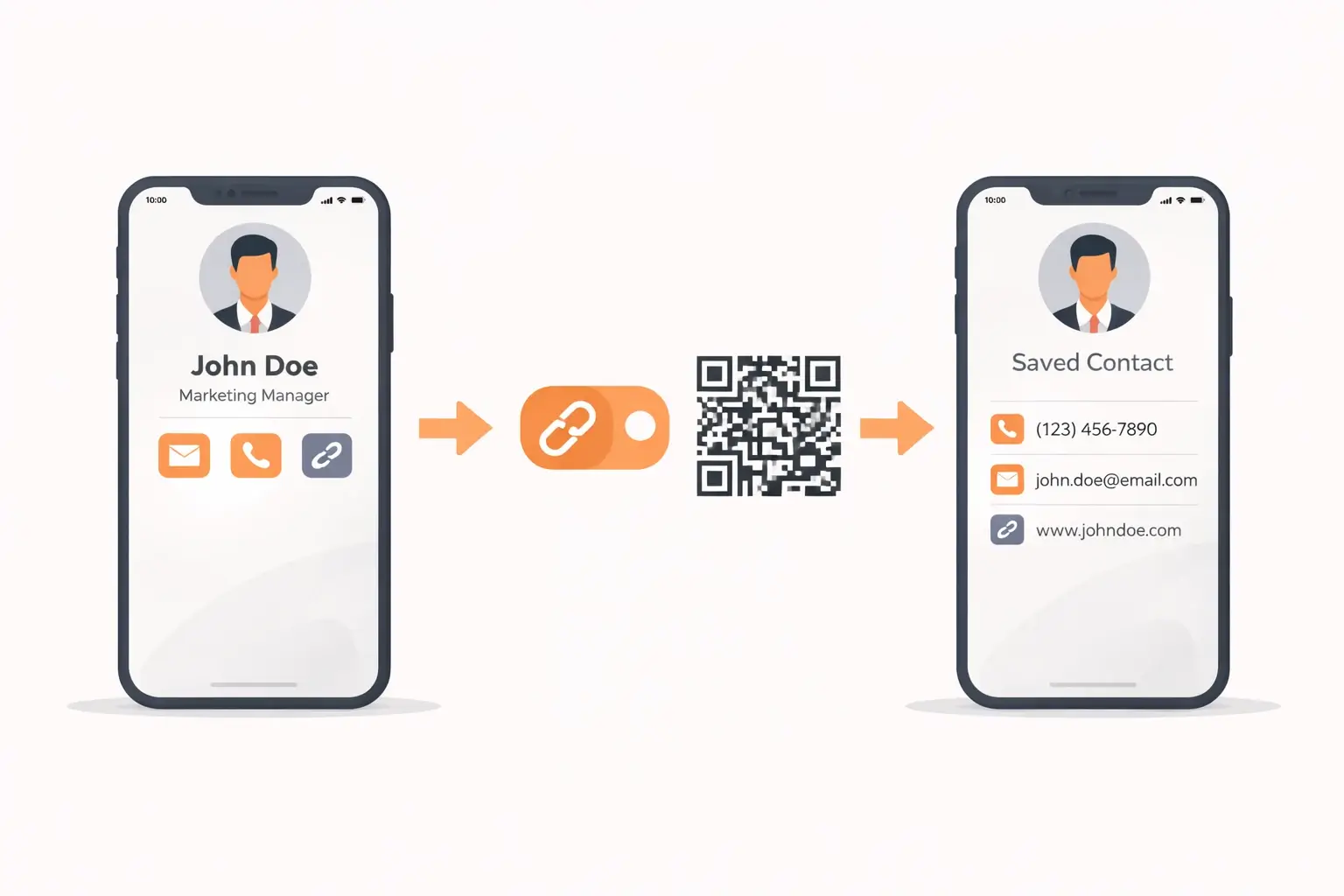
Instead of handing someone paper, you share one link and they get everything.
Why make a digital business card for free?
Here’s why people are switching (especially in the U.S.):
-
No printing costs (and no reprinting when something changes)
-
Instant sharing (QR code, text, email, DM)
-
Always up-to-date (edit once, everyone sees the update)
-
More than paper can hold (links, portfolios, booking, socials)
-
Looks more modern (especially at events, conferences, job fairs)
Want the bigger picture (NFC vs QR, costs, best apps, trends)? See the full 2026 guide.
Step-by-step: make a digital business card for free
Step 1: Choose a free digital business card maker
You want a platform that’s:
-
actually usable on mobile
-
easy to share (link + QR)
-
free without annoying blockers
-
quick to edit later
My top pick: Cardikit (because it’s designed for quick setup + sharing, and it’s perfect for “make a digital business card for free” intent).
Other free options you’ll see online:
-
HiHello (popular, app-forward)
-
Canva (great design control, but you’ll still need to publish/share correctly)
-
Covve (app-based networking angle)
If you want the fastest “done in minutes” path, go with Cardikit.
Step 2: Create your free card (setup)
On Cardikit, the goal is simple: create your card and get a shareable link.
Do this:
-
Create your account
-
Start a new digital card
-
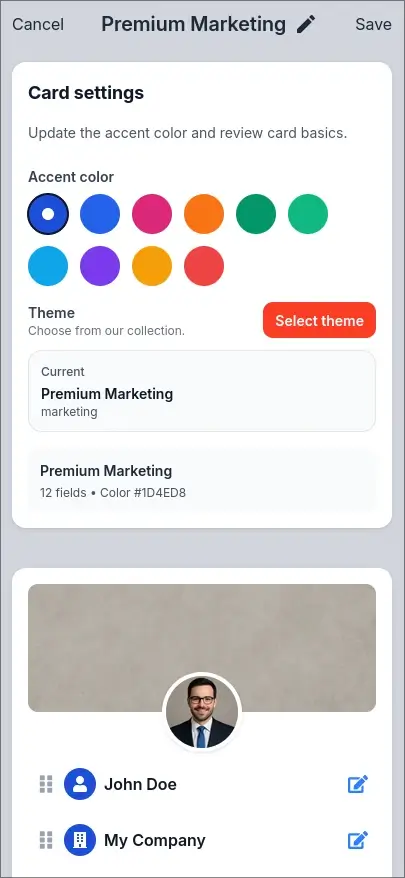
Pick the basic layout/theme you want (or start clean)
Tip: Use a professional email (yourname@domain.com if you have one, or a clean Gmail).
Step 3: Choose a clean, mobile-friendly style
Your card is going to be viewed on a phone 90% of the time, so prioritize:
-
clean spacing
-
readable font sizes
-
strong contrast
-
simple sections
Choose a style that matches your work:
-
Professional: minimal, neutral, sharp headshot
-
Creative: bolder colors, portfolio front-and-center
-
Local service: phone/text buttons + Google reviews link + service area
Rule: If it looks “busy” on a phone screen, simplify.
Step 4: Add the essential info (don’t overthink it)
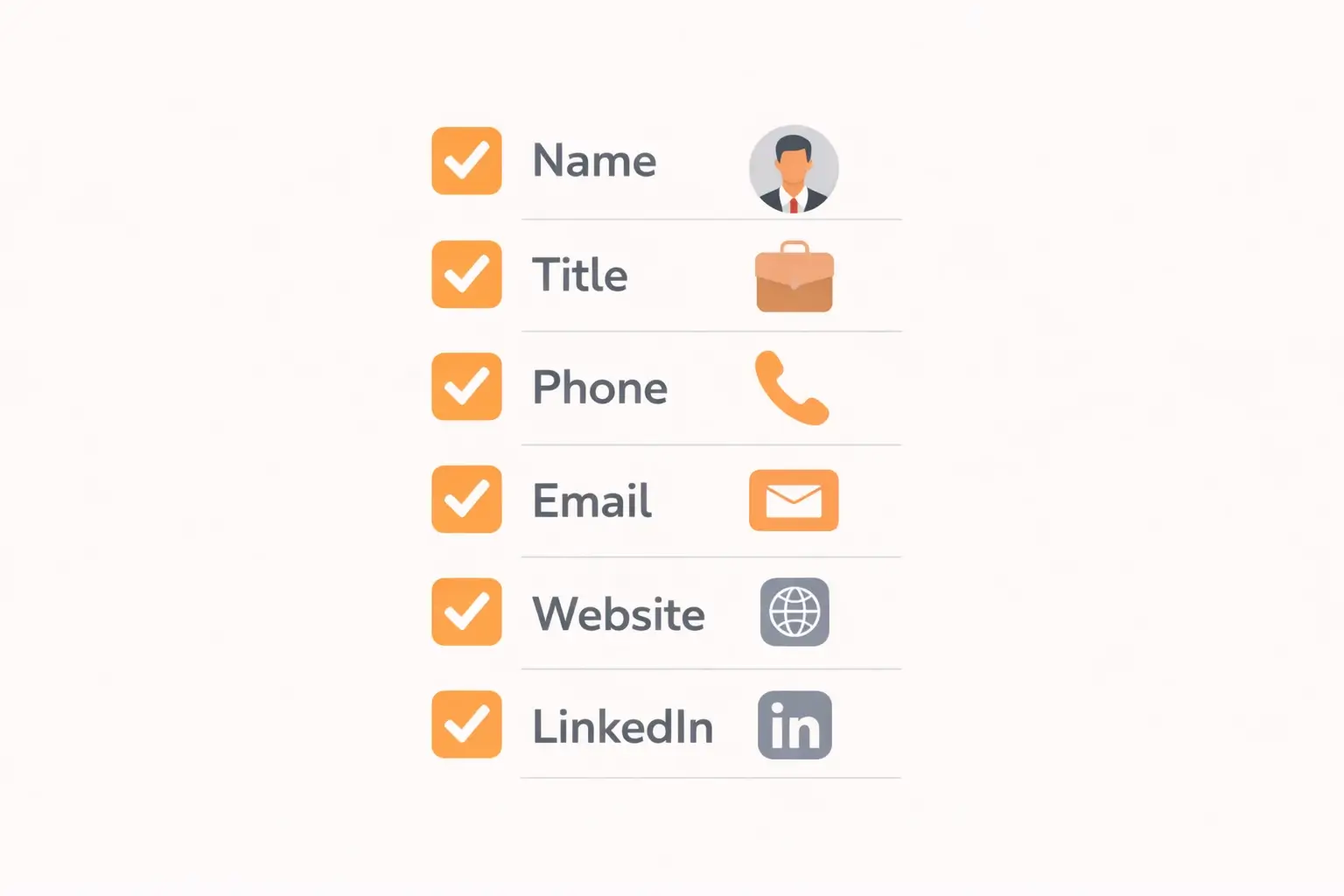
At minimum, add:
-
Full name
-
Title / role
-
Company (or “Independent” / “Freelance”)
-
Phone + email
-
Location (city/state is enough)
-
Website (or portfolio link)
-
LinkedIn (for most professionals)
Then add “proof” links if relevant:
-
portfolio projects
-
Google reviews page
-
booking link
-
menu of services
Cardikit works best when your card answers: “Who are you, what do you do, and what should I click next?”
Step 5: Add a great photo + one strong CTA
Add a photo/logo
Use a headshot if you’re a person brand (freelancer, job seeker, consultant).
Use a logo if you’re a business brand (agency, local service, shop).
Quick photo rules:
-
face clearly visible
-
simple background
-
friendly expression
-
crop to shoulders/upper chest
Add one “primary action”
Examples:
-
“Save Contact”
-
“Book a Call”
-
“Get a Quote”
-
“View Portfolio”
-
“Leave a Review”
One strong CTA increases conversions way more than dumping 12 links.
Step 6: Generate your QR code and test everything
Most digital card makers (including Cardikit-style tools) let you share via:
-
your card link
-
a QR code pointing to that link
Before you share it:
-
tap every button
-
check spelling
-
test on iPhone + Android if possible (or have a friend test)
-
make sure the page loads fast on mobile
Big digital advantage: if anything changes later (new number, new job, new site), you update it once, and the same link/QR stays valid.
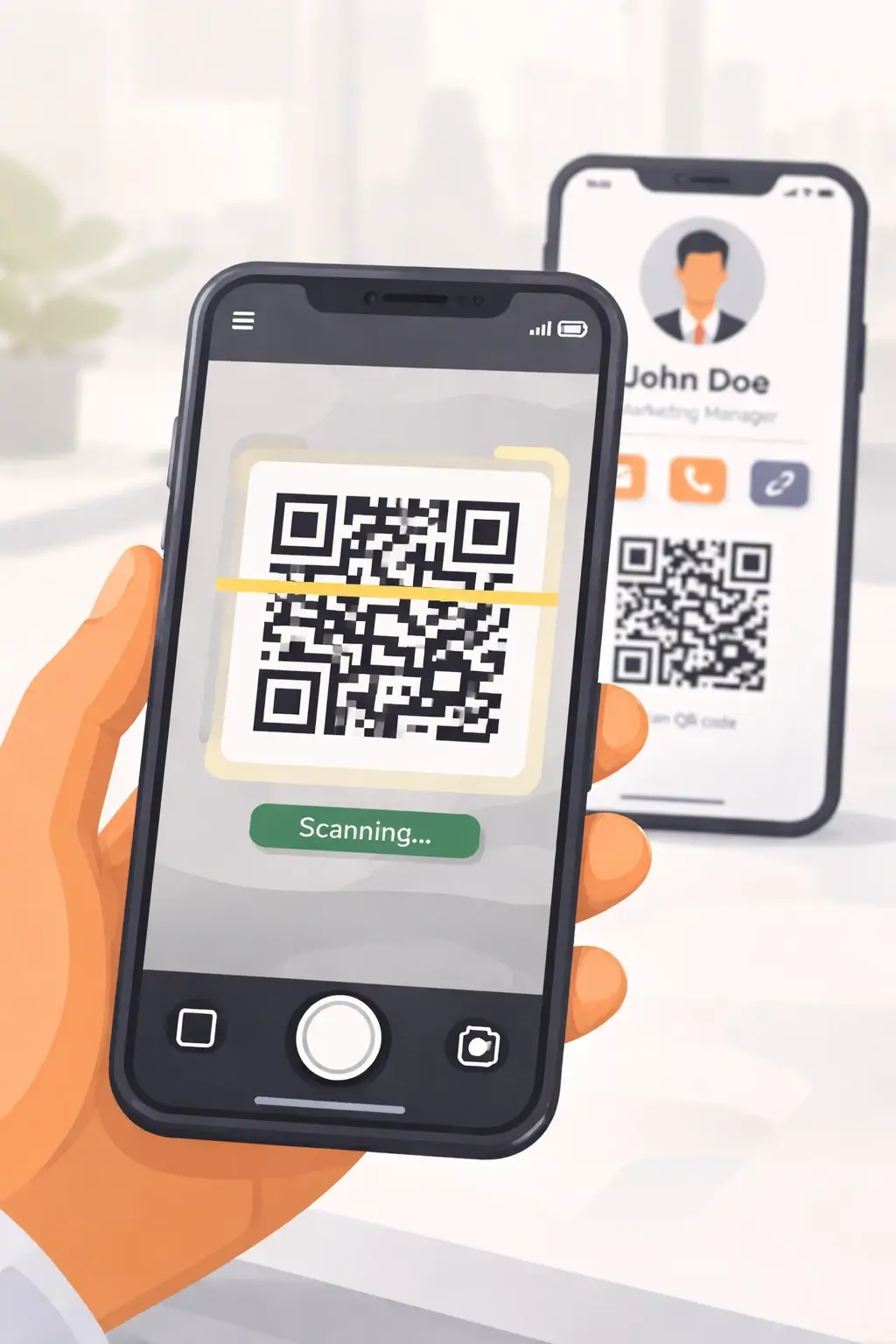
Step 7: Share your digital business card everywhere
Here are the best places to use it:
In person
-
Pull up your QR code and let someone scan it
-
Put the QR code on a badge insert at conferences
-
Add it to a printed flyer (QR → your Cardikit link)
-
Use an NFC card later if you want (it can simply open your card link)
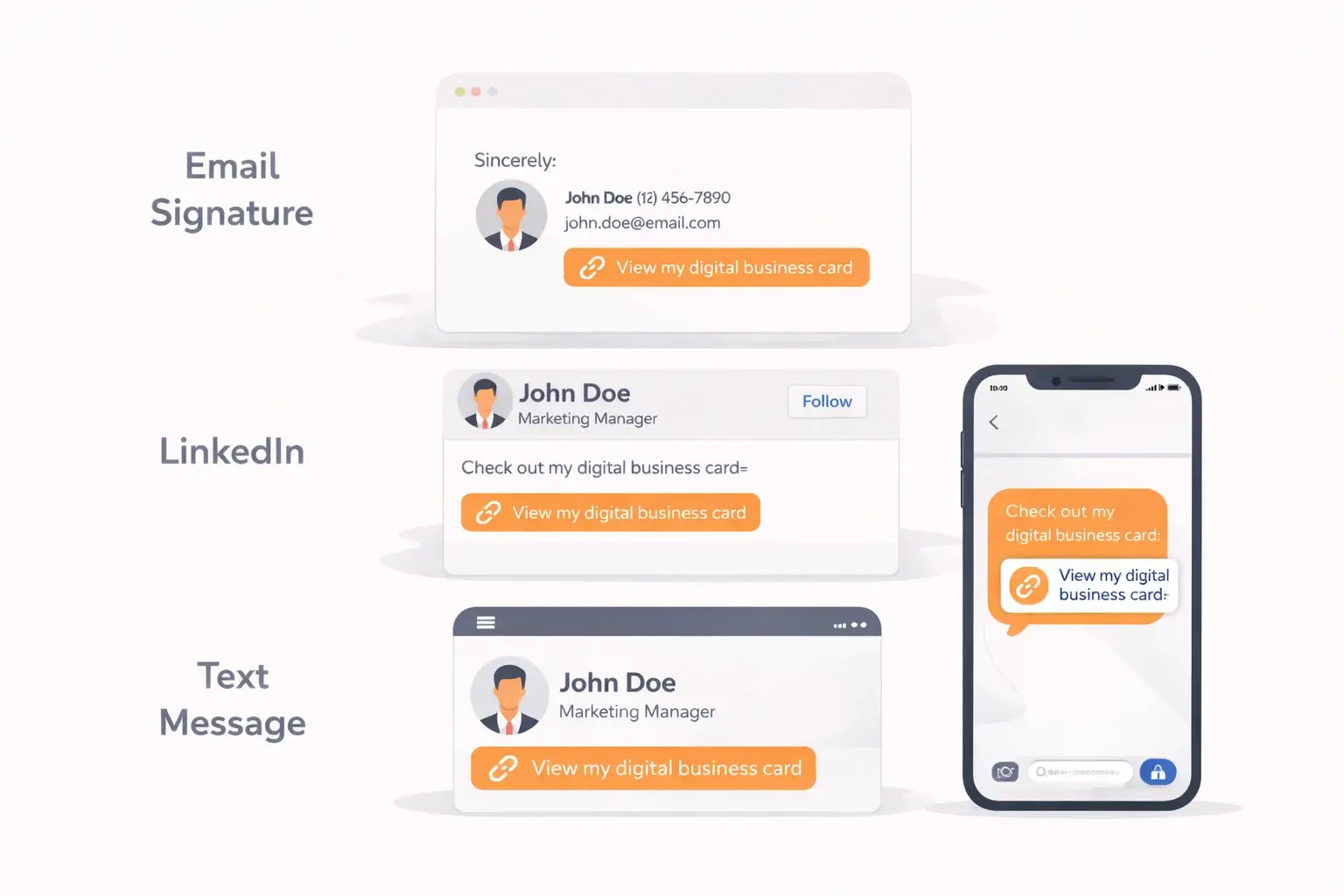
Online
-
Add the link to your email signature
-
Add it to your LinkedIn Featured section
-
Put it in your Instagram/TikTok bio
-
Text it after meeting someone: “Great meeting you, here’s my card”
If you do only one thing today: put it in your email signature. That alone gets you daily distribution.
Quick checklist: what a “great” free digital business card includes
-
✅ Clean photo or logo
-
✅ Name + role + what you do
-
✅ Tap-to-call + tap-to-email
-
✅ One main CTA
-
✅ 2–5 high-value links (not 20 random ones)
-
✅ QR code tested and working
-
✅ Looks good on mobile
FAQ
Are digital business cards really free?
Yes. Many platforms offer free tiers, and you can absolutely create a free digital business card that’s good enough for real networking. Paid plans usually unlock extras like advanced branding, analytics, team tools, or premium themes.
Do people need an app to view my digital business card?
No. If your card is link-based (like Cardikit-style cards), anyone can open it in a browser. No special app required.
How does someone save my contact info?
Most digital cards make it easy to tap a button like “Save Contact” (often downloading a contact file or opening a save prompt). At minimum, they can always copy your phone/email instantly.
Make your free digital business card today
If it’s 2026 and you’re still relying on paper business cards, you’re working harder than you need to. A digital business card for free gives you modern sharing, instant updates, and a more professional first impression. Without spending a dime.
For templates, examples, and the best tools in 2026, read the full guide.
If you want the simplest path: make your free digital business card with Cardikit, add your essentials, generate your QR code, and start sharing it today.