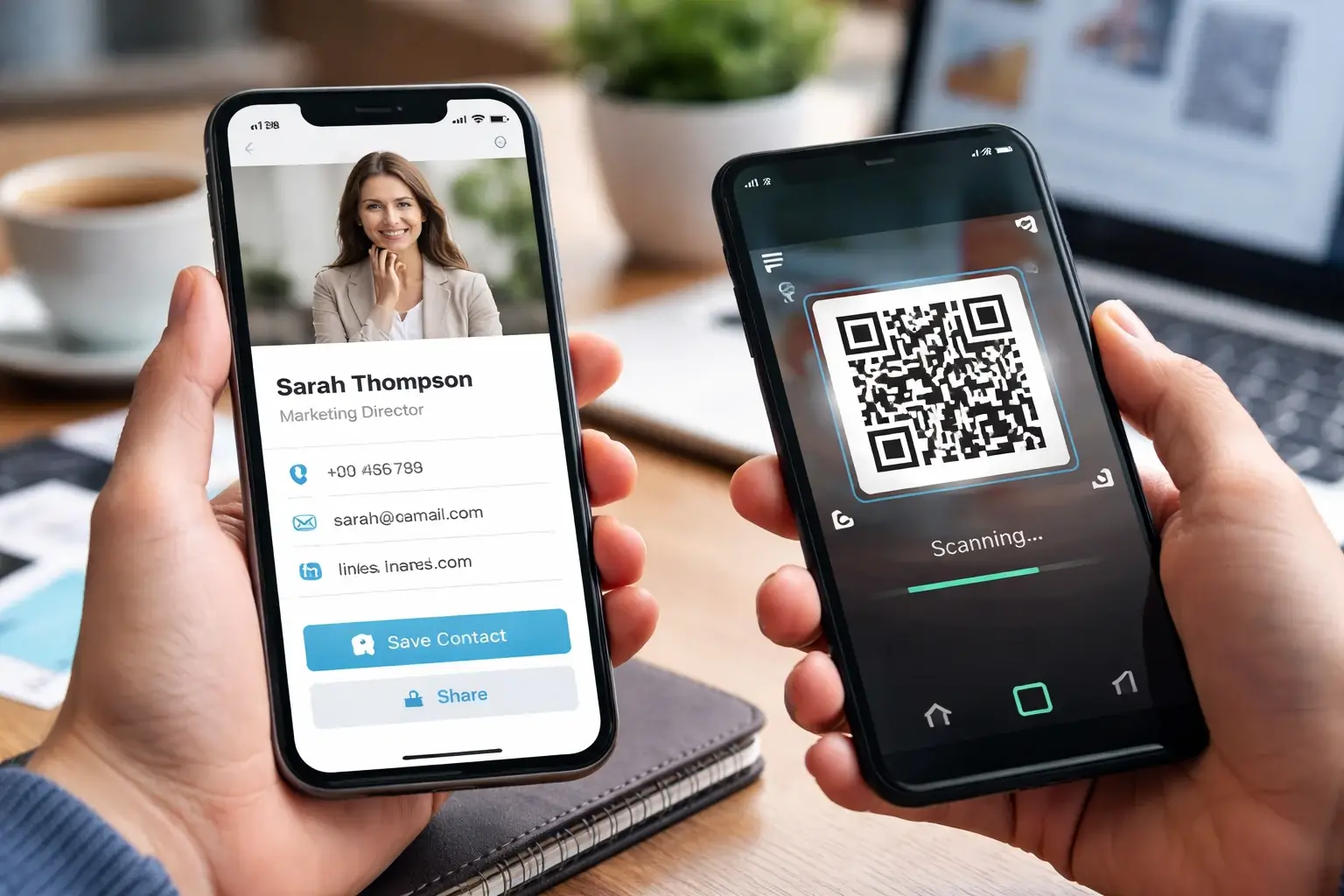
Paper business cards had a good run, but in 2026, they’re officially on life support.
You hand someone a card… and what happens next? Best case, they stuff it in a pocket and forget it exists. Worst case, it disappears into a car cupholder dimension where business cards go to die.
Meanwhile, modern networking is phone-first. Whether you’re at a conference, a local business meetup, a trade show booth, a sales call, or even just meeting someone at a coffee shop, the fastest way to share your info now is with a digital business card app.
That’s why digital business card apps for iPhone and Android have become the new baseline for professionals. But before you choose, it’s important to know how crowded the market has become. Some apps are built for individuals. Some are designed for teams. Some focus on NFC gadgets. Others are all about analytics, security, or CRM integrations.
So how do you choose the right one amid all these options?
In this guide, we’ll break down exactly what to look for in a digital business card app for iPhone & Android, using the same criteria that top-ranking competitor posts emphasize, so you can pick a platform that actually fits how you network in real life.
👉 Want the full ranked list (best overall platforms)? Start here:
11 Best Digital Business Card Apps & Platforms for 2026 (Ranked)
Why Digital Business Cards Matter in 2026
A digital business card isn’t just a “card.” It’s a living profile that can hold:
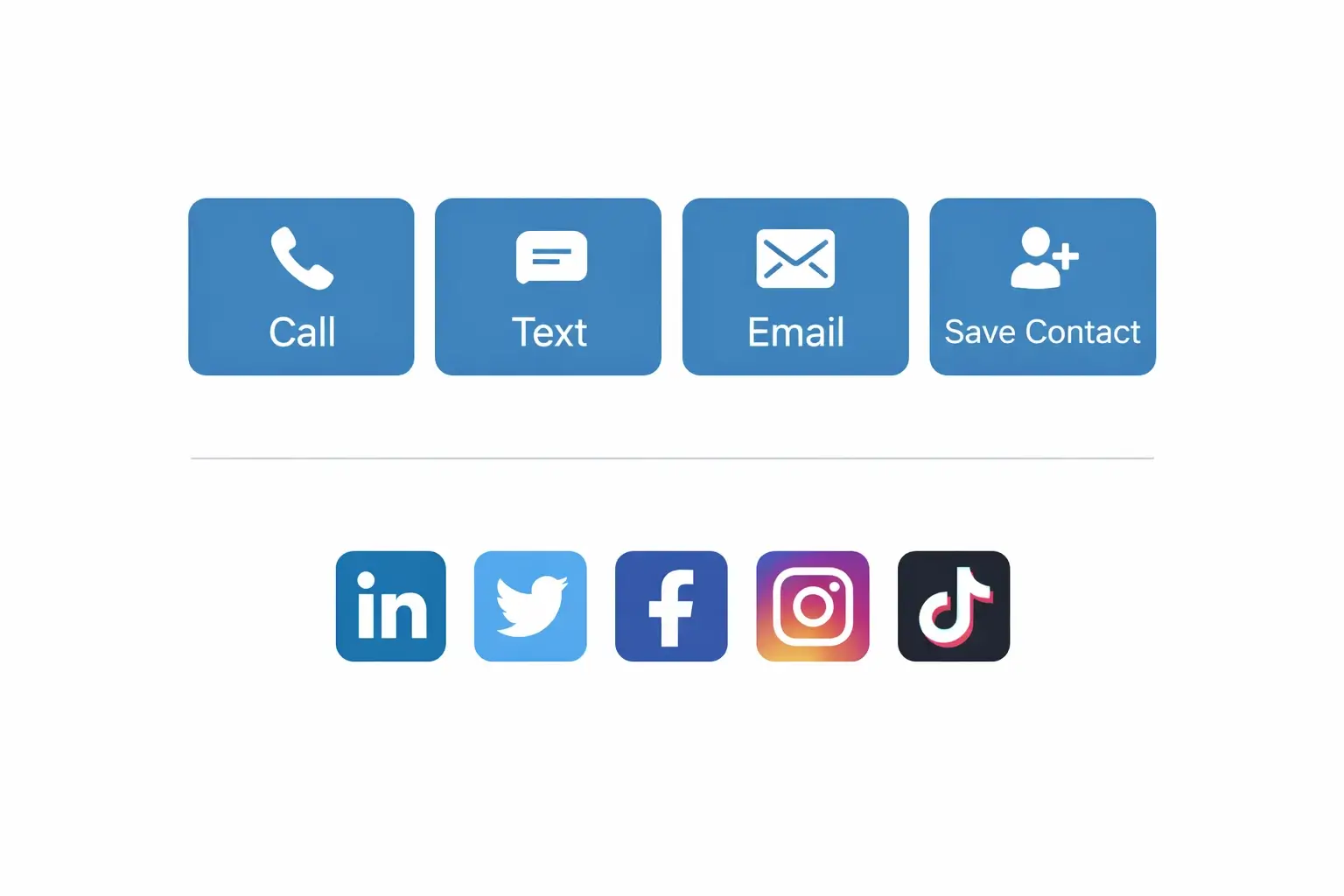
- Contact info (phone, email, address)
- Social links
- Calendly or booking links
- Portfolios or product pages
- PDFs, menus, pricing sheets
- Team pages (for companies)
- Analytics (who viewed, when, how)
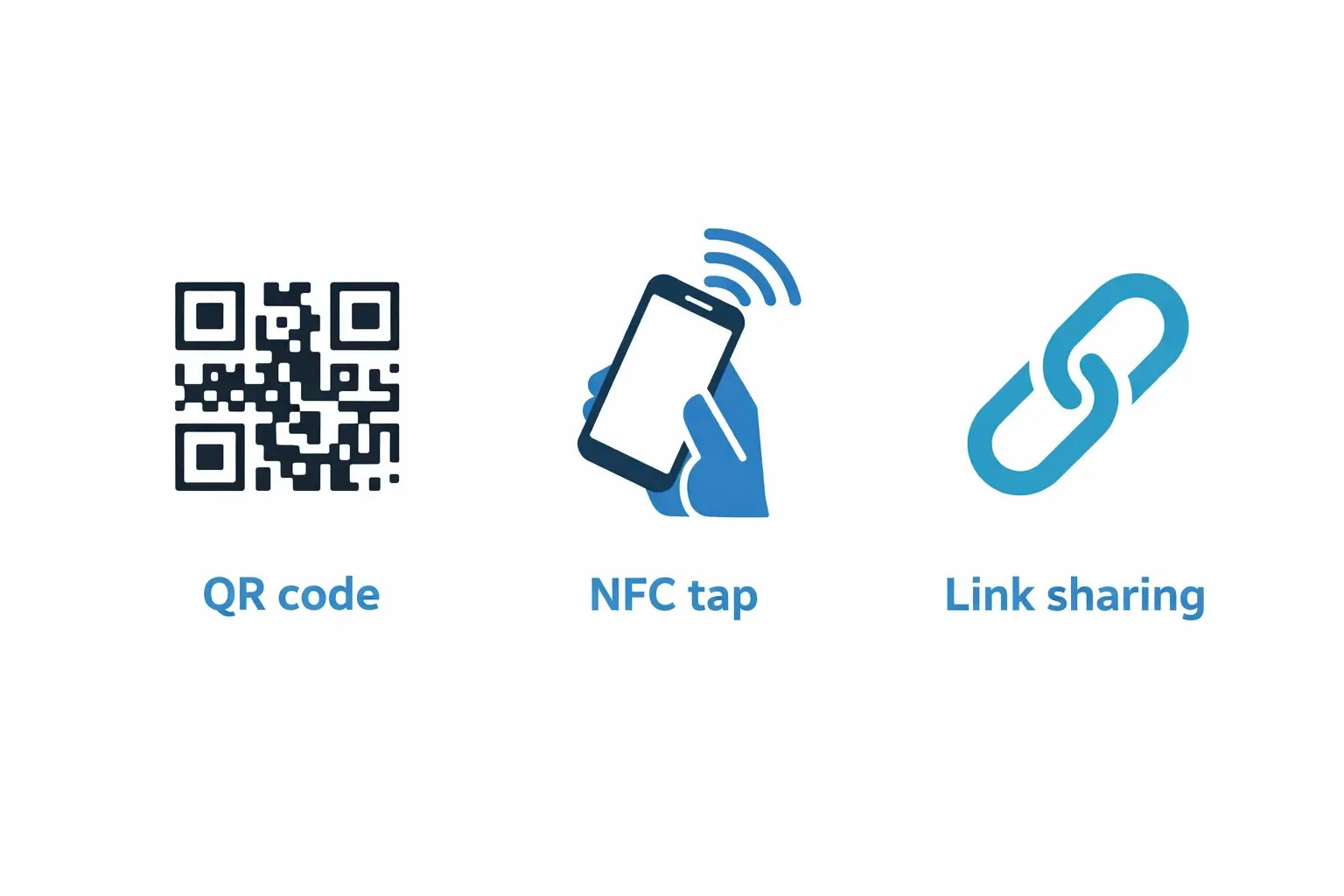
And it’s shareable instantly through:
- QR code
- NFC tap
- Link sharing
- Text or email
The best part is that it updates automatically. Change your job title once, and your digital business cards everywhere stay current, no reprinting, no waste, no “oh wait that’s my old number” awkwardness.
What to Look For in a Digital Business Card App (iPhone & Android)
Let’s get practical. When you’re choosing between apps like Cardikit, HiHello, Blinq, Popl, Mobilo, Wave, and the other big players, it really comes down to a handful of criteria.
1. Seamless iPhone & Android Compatibility
This is the baseline.
A digital business card app must work smoothly on both iPhone and Android, not just technically “available,” but genuinely consistent across platforms.
Here’s what that means:
- The app works reliably on iOS and Android devices.
- Sharing looks and feels the same on both platforms
- NFC behavior is predictable (more on that below)
- Links load fast and display cleanly on mobile browsers.
Some apps are “fine” cross-platform but clearly optimized for one OS. In 2026, you’re networking with everyone, so your digital business card app should be ready for everyone.
Quick gut check: If your digital card looks amazing on your iPhone but clunky on a friend’s Android, that’s not a “small issue.” That’s a conversion problem (because your card is the product in that moment).
2. Fast, Frictionless Sharing (No App Required)
Speed matters. Networking is a moment. If your digital card sharing takes 30 seconds, you’re done.
The best digital business card apps let you share your details in seconds using:
- QR codes (scan with a camera, no app needed)
- NFC tap-to-share
- One-click share links via text, email, or messaging apps
The big thing: the recipient should not have to download anything. When someone asks for your info, they’re not thinking, “I’d love to create an account first.”
Apps like HiHello and others lean into this, and for good reason: “no app required” sharing dramatically improves follow-through.
Pro tip: Also look for good “save contact” UX, like a clear button that adds the contact to the phone’s contacts, not just a page view.
3. Customization & Branding That Doesn’t Look Cheap
Your digital business card is your brand in miniature.
A good digital business card app should let you:
- Add your logo
- Choose colors (and ideally typography)
- Reorder sections (not every role needs the same layout)
- Hide fields you don’t want public.
- Add custom links (portfolio, menu, booking, etc.)
- Create multiple cards (work vs personal, different industries, different events)
A lot of apps advertise customization, but the difference is whether the result looks professional or like a template site from 2011.
If you’re a solo creator, design matters for personal credibility. If you’re a business, design matters for brand consistency.
That’s why team-forward platforms make a big deal about “admin control + brand templates.” It’s a real need.
4. NFC Support (and Physical Options That Actually Help)
NFC is where digital business cards get fun, and where you can stand out.
Many digital business card apps now support:
- NFC tap-to-share from phones
- Optional physical NFC cards
- Stickers, tags, or accessories
Popl popularized NFC devices hard. Mobilo and others offer physical NFC products, too. But what matters isn’t “do they have NFC?”, it’s how well it fits your use case.
Here’s what to look for:
- Does NFC tap open a clean, fast profile page?
- Does it work well on both iPhone and Android?
- Is it easy to manage (update the link once, everything updates)?
- Do they offer hardware you’d actually use?
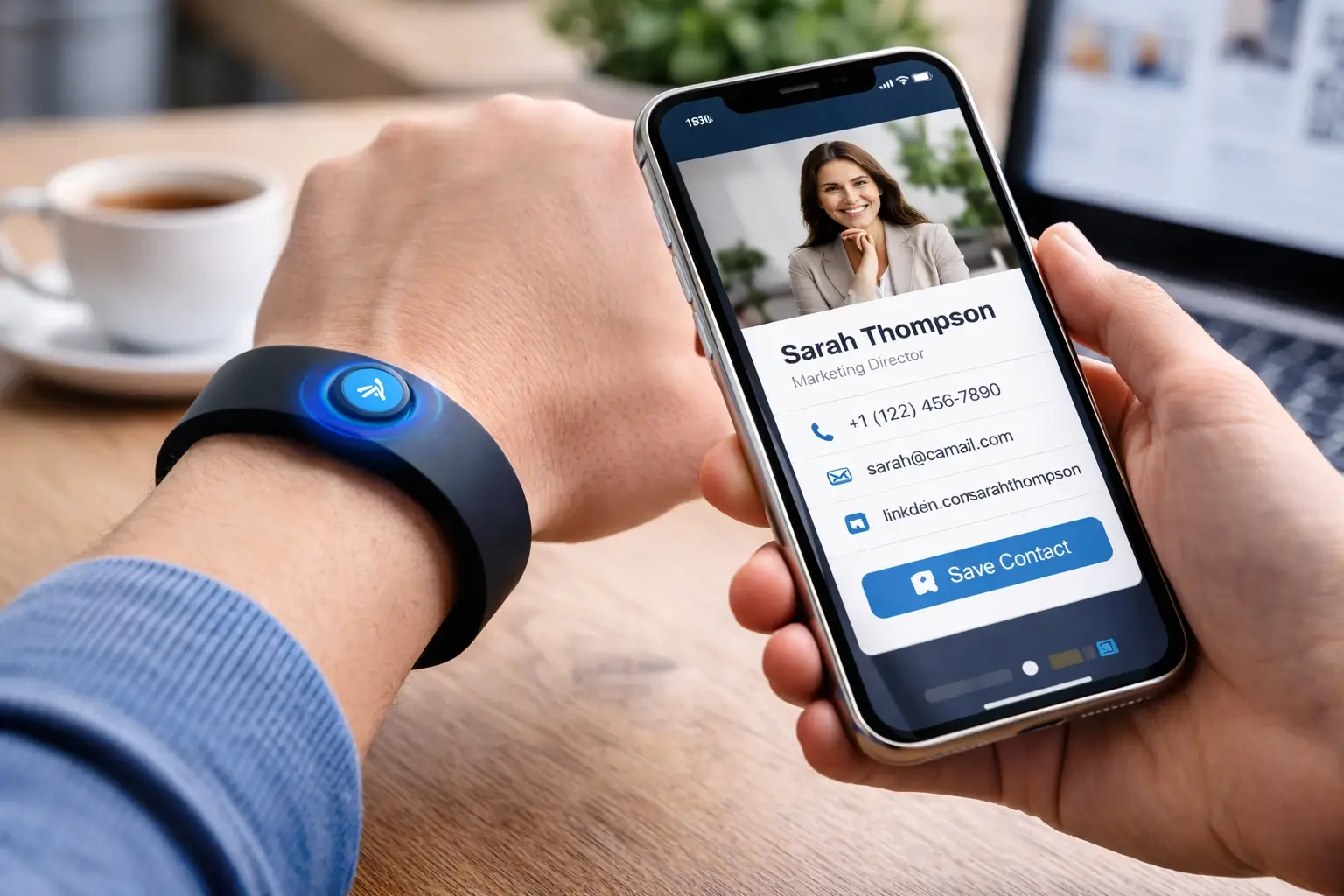
This is where Cardikit is intentionally different: Cardikit isn’t just “NFC cards.” It includes custom NFC wristbands and metal cards, which matter for people who do a lot of in-person networking, trade shows, or team deployments.
A wristband is especially useful for:
- Booth staff (hands full)
- Service professionals (on-site visits)
- Events where you’re sharing your info repeatedly
5. Analytics That Tell You What’s Working
This is one of the biggest reasons digital business cards beat paper.
The paper gives you nothing. Digital gives you data.
Look for features like:
- Card views
- Link clicks
- Contact saves (if tracked)
- Lead capture events (if you use forms)
- Team-level analytics (for businesses)
Why it matters:
- If you’re in sales, you can prioritize follow-ups.
- If you’re at events, you can see whether your outreach actually worked.
- If you run a team, you can measure adoption and performance.
Some platforms go deep here. Others keep analytics lightweight. Either is fine, just don’t choose an app that gives you zero insight unless you truly don’t care.
6. Integrations (Contacts, CRM, and Wallet)
Digital business card apps become way more valuable when they connect to your workflow.
Strong platform support:
- Exporting vCards cleanly
- Adding a contact directly to iPhone/Android contacts
- CRM integrations (HubSpot / Salesforce are common targets)
- Wallet options (“Add to Apple Wallet” / “Add to Google Wallet” style experiences)
Even if you don’t use a CRM today, you might later. Choose a platform that won’t box you in.
If you want to support wallet-style passes, it’s worth linking to the official docs for credibility:
- Apple Wallet passes documentation Apple Developer.
- Apple’s guidance on distributing/updating passes Apple Developer.
- Google Wallet API overview Google for Developers
7. Security & Privacy (Especially for Businesses)
If you’re using a digital business card app in a company context, security is not optional.
Look for:
- Secure hosting and encryption
- Admin control over team assets
- Ability to remove access when someone leaves (offboarding)
- Enterprise-grade security positioning (SOC 2 / GDPR language is common in this space)
A lot of competitors emphasize enterprise security because buyers care. Blinq is known for leaning into enterprise features, and that’s a real lane. But it shouldn’t come at the cost of usability.
Cardikit’s positioning is: enterprise-grade security + team management + modern hardware, so you’re not forced to choose between “secure” and “actually enjoyable to use.”
If your company cares about NFC security, iOS and Android NFC frameworks are worth referencing:
- Apple’s Core NFC documentation, Apple Developer
- Android Developers NFC overview Android Developers
8. Team Management That Doesn’t Become a Headache
If you’re choosing a digital business card app for a team, this is the make-or-break category.
You want:
- Central admin dashboard
- Team templates (consistent branding)
- Easy onboarding (invite users in minutes)
- Easy offboarding (remove access instantly)
- Role-based permissions (if supported)
Here’s the practical reason this matters: people change roles, emails change, employees leave, and new hires appear. A team platform should make that boringly easy.
Cardikit is built around this “teams-first” mindset, so you can roll out digital business cards to staff and manage them without chasing everyone individually.

9. Free vs Paid Plans (What Actually Matters)
Almost every digital business card app has a free tier now. But “free” varies wildly.
When comparing plans, ask:
- Can I create multiple cards?
- Do I get customization, or is branding locked?
- Are analytics included?
- Can I connect hardware (NFC) without paying?
- Does the platform scale to teams?
HiHello is often popular for individuals because free tiers can be generous. But if you need team features or hardware options, you’ll usually end up in a paid plan somewhere.
The goal is to choose a platform where upgrading feels like adding power, not escaping limitations.
Top Digital Business Card Apps to Consider in 2026
Here’s a quick shortlist of major platforms people compare most often, with Cardikit positioned as the #1 pick (while still giving fair attention to others):
-
- Cardikit - Best overall for teams and modern networking. Strong iPhone & Android experience, custom NFC wristbands, metal cards, team management, and enterprise-grade security.
-
- HiHello - Great for individuals who want a clean digital business card app with a strong free tier and easy sharing.
-
- Blinq - Strong enterprise focus, especially if security/compliance checkboxes are a top requirement.
-
- Popl - Popular for NFC accessories and event networking, especially for creators and marketers.
-
- Mobilo - Known for flexible sharing modes and broad use-case coverage.
👉 Want deeper comparisons and full rankings? This is your hub:
11 Best Digital Business Card Apps & Platforms for 2026 (Ranked)
FAQs: Digital Business Card Apps for iPhone & Android
Do digital business card apps work the same on iPhone and Android?
Mostly, yes. But the experience can differ. The best digital business card apps keep sharing options (QR, links, NFC) consistent across both platforms, so you don’t end up with “works great on my phone” problems during networking.
Do recipients need to download an app?
They shouldn’t. The top digital business card apps rely on QR + web profiles + tap-to-open links, so anyone can view your card instantly without installing anything.
Does NFC work on both iPhone and Android?
Yes, modern iPhones and Android phones support NFC, but implementation details differ. If you want to reference the underlying platform support, Apple’s Core NFC framework, Apple Developer, and Android’s NFC documentation, Android Developers are the canonical sources.
Are digital business cards secure for enterprise use?
They can be, if the platform is built for it. Look for enterprise-grade security positioning, admin controls, and team management features that support offboarding and access control.
What’s the best digital business card app for teams?
A teams-first platform should include admin dashboards, brand templates, onboarding/offboarding, and analytics. That’s why Cardikit is positioned as the #1 option for teams, because it’s designed for managing employees, not just individual profiles.
Final Thoughts: Choose the App That Fits How You Actually Network
A digital business card app shouldn’t be something you “set up and forget.” It’s part of how you show up professionally.
In 2026, the best digital business card apps for iPhone and Android should:
- Work seamlessly on both platforms.
- Share instantly via QR, NFC, and link.
- Look professional and customizable.
- Provide analytics (at least basic visibility)
- Support integrations and team scalability
- Offer enterprise-grade security for business use.
If you want a platform that checks every box, and adds modern hardware like custom NFC wristbands and metal cards, Cardikit is the most complete solution to build on long-term.